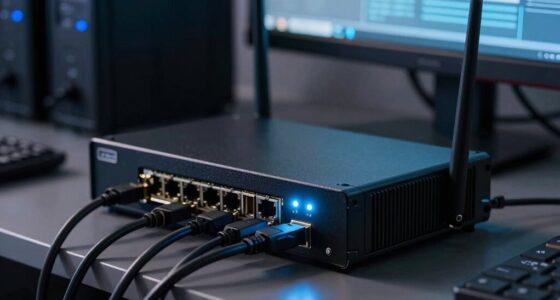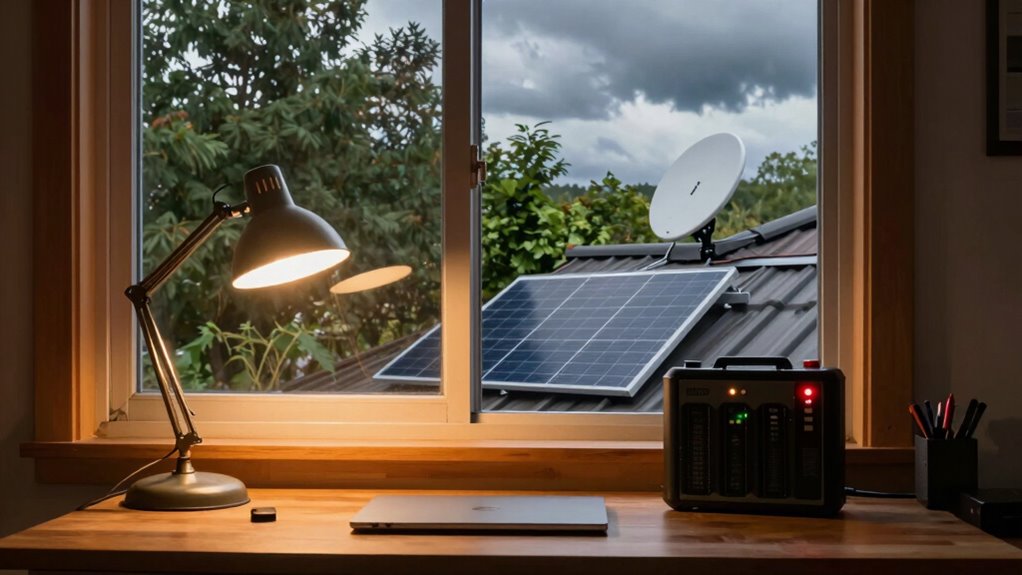

To keep your Starlink and Wi-Fi running during a long outage, regularly maintain your equipment by checking for obstructions, cleaning the dish, and guaranteeing proper alignment. Invest in a reliable UPS or portable generator to provide backup power, and store extra fuel and essential cables in case of emergencies. Keep devices charged with portable power banks or solar chargers. For more detailed tips on maintaining continuous connectivity, explore how these strategies work together to ensure stability.
Key Takeaways
- Use a reliable uninterruptible power supply (UPS) to keep your Starlink terminal and Wi-Fi router powered during outages.
- Store extra fuel and operate a portable generator safely to provide backup power for extended outages.
- Keep spare cables, connectors, and troubleshooting tools ready for quick hardware repairs.
- Download offline maps, essential documents, and entertainment content beforehand to stay connected and informed.
- Regularly maintain and align your Starlink dish and Wi-Fi equipment to ensure optimal performance during disruptions.
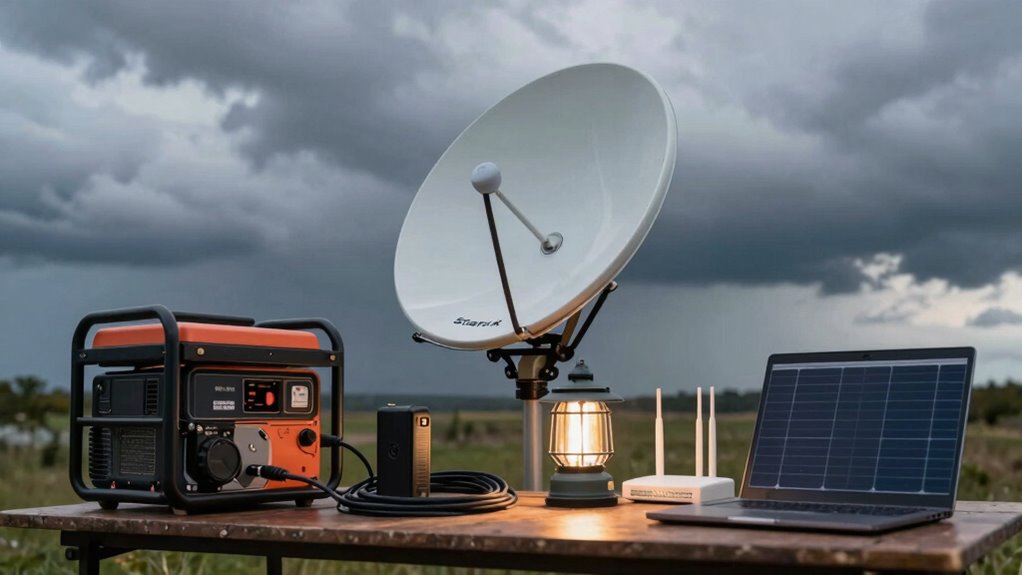
When a long outage disrupts your internet service, it can feel like your entire digital world has come to a halt. You rely on your Starlink and Wi-Fi for work, communication, entertainment, and staying connected. To keep things running smoothly during extended outages, you need a solid plan for satellite maintenance and power backup. Regular satellite maintenance ensures your equipment stays in good shape, minimizing the chance of hardware failures that could worsen an outage. Check your dish for obstructions, dirt, or damage, and clean it if necessary. Ensuring your satellite dish points accurately toward the sky maximizes signal strength, helping your system recover faster once service resumes. Keeping your modem and router in a cool, dry place prevents overheating and prolongs their lifespan. Updating firmware and software regularly also helps your equipment perform optimally, reducing troubleshooting time during outages. Additionally, understanding the importance of proper antenna alignment can significantly improve your satellite connection stability. Performing routine system checks can help identify potential issues before they cause a disruption.
Power backup is critical when the grid goes down. Invest in a reliable uninterruptible power supply (UPS) to keep your modem, router, and Starlink dish powered during outages. A UPS provides immediate power and protects your equipment from power surges, giving you time to save work and shut down devices properly if needed. For longer outages, consider a portable generator. Make sure your generator can supply enough wattage for your essential devices—your Wi-Fi, modem, and Starlink system—so you stay connected without interruption. Keep extra fuel on hand, and follow safety guidelines when using a generator, especially indoors or in enclosed spaces.
Additionally, having a portable power bank or solar charger can supplement your backup power options. These are handy for charging your phone, tablets, or even small Wi-Fi routers when traditional power sources fail. To maximize your connectivity, keep spare cables and connectors in your emergency kit, so you’re prepared to troubleshoot or replace faulty parts quickly. Also, consider downloading offline maps, essential documents, and entertainment content beforehand, so you’re not entirely dependent on internet access during an outage.
In essence, maintaining your satellite equipment through regular checks and updates, combined with a robust power backup system, ensures you stay connected when the power grid fails. Planning ahead with these strategies helps you minimize downtime, keeps your digital life running, and provides peace of mind during extended outages. Staying proactive in satellite maintenance and investing in reliable power backup solutions can make all the difference in weathering long-lasting disruptions.

APC UPS 600VA/330W UPS Battery Backup for Computer, Router, NAS, BE600M1
- Battery Backup for Devices: Keeps computer, Wi-Fi, and router running during outages
- Extended Runtime: Provides 23 minutes of backup at 100W load
- Surge Protection: Protects against power surges and spikes
As an affiliate, we earn on qualifying purchases.
As an affiliate, we earn on qualifying purchases.
Frequently Asked Questions
Can I Use a Solar Generator to Power Starlink During Outages?
Yes, you can use a solar generator to power Starlink during outages. Connect your solar panels to the generator’s energy storage system, which stores the solar energy for later use. Make certain your solar generator has enough capacity to handle Starlink’s power needs, especially during peak usage. Regularly monitor your energy storage levels and verify your solar panels are clean and positioned for maximum sunlight, so your internet stays connected during outages.
What Backup Options Are Available if My Wi-Fi Router Fails?
Think of your Wi-Fi router as the heart of your digital home—if it stops beating, everything stalls. To stay connected, invest in backup solutions like uninterruptible power supplies (UPS), portable battery packs, or a secondary router. For emergency preparedness, having these backup options guarantees your internet stays alive during outages, giving you peace of mind and continuous access when it matters most. Stay ready, stay connected.
How Long Can Starlink Typically Operate on Battery Power?
Starlink can typically operate on battery power for about 30 minutes to an hour, depending on your setup. Your battery duration largely depends on the capacity and power management of your backup system. To extend operation, you can optimize power management by turning off unnecessary devices and using a high-capacity UPS or portable power station. This helps guarantee your Starlink stays connected during outages, giving you more reliable internet access.
Are There Portable Power Solutions for Outdoor Wi-Fi Access?
Yes, you can use portable batteries for outdoor connectivity. These portable batteries are designed to power Wi-Fi devices and Starlink systems during outages or outdoor activities. Look for high-capacity power banks or solar-powered options that support the wattage your devices need. They’re lightweight, rechargeable, and perfect for ensuring continuous outdoor Wi-Fi access, especially when you’re off-grid or facing extended power outages.
How Do I Troubleshoot Connectivity Issues During a Power Outage?
When troubleshooting connectivity issues during a power outage, remember that a stitch in time saves nine. Start by checking your power management setup, ensuring your backup power source, like a generator or UPS, is functioning properly. Confirm your Starlink and Wi-Fi equipment are powered and connected correctly. Keep storm preparedness in mind, and consider resetting your router or modem if issues persist. Staying proactive helps maintain your connection when it matters most.
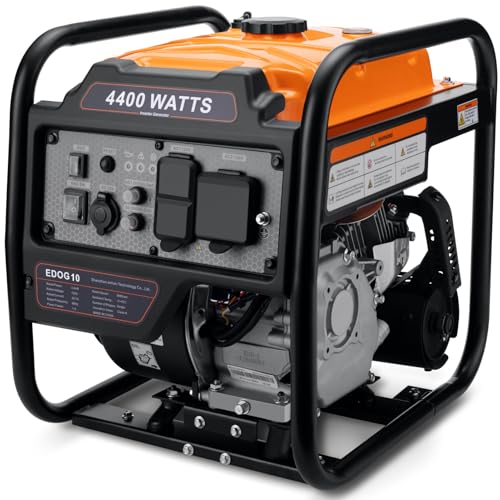
Oxseryn Power Equipment 4400 Watts Inverter Generator Gas Powered, Portable Open Frame Generator, Low Noise with ECO Mode, RV Ready, Emergency Home Backup
- High Power Output: 4400 peak / 3400 running watts
- Multiple Output Ports: 2 AC, 1 DC, RV port
- Long Runtime: Up to 14 hours at 25% load
As an affiliate, we earn on qualifying purchases.
As an affiliate, we earn on qualifying purchases.
Conclusion
Even during a long outage, you can keep your Starlink and Wi-Fi running smoothly with a little preparation. Sure, it might seem tricky at first, but with a backup power source like a portable generator or battery pack, you’ll stay connected no matter what. Imagine working from home, streaming your favorite shows, or staying in touch with loved ones without interruption. It’s easier than you think—just plan ahead, and you’ll be all set for any outage.

SOARAISE Solar Power Bank 48000mAh Wireless Portable Charger with 4 Cables
- High-Efficiency Solar Panels: Charges 5 times faster with 4 panels
- Large 48000mAh Capacity: Extended power for outdoor use
- Multi-Device Compatibility: Supports 7 devices simultaneously
As an affiliate, we earn on qualifying purchases.
As an affiliate, we earn on qualifying purchases.

Ready to Install Package : NEW AT&T Directv HD Satellite Dish SWM5 LNB + RG6 COAXIAL Cables Included Ka/ku Slim Line Dish Antenna SL5 AU9 Single Output
- Package Includes: AT&T Directv HD Satellite Dish Kit
- LNB Model: SWM5 for New Receivers
- Cables Included: 50ft and 9ft RG6 Coaxial Cables
As an affiliate, we earn on qualifying purchases.
As an affiliate, we earn on qualifying purchases.