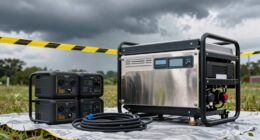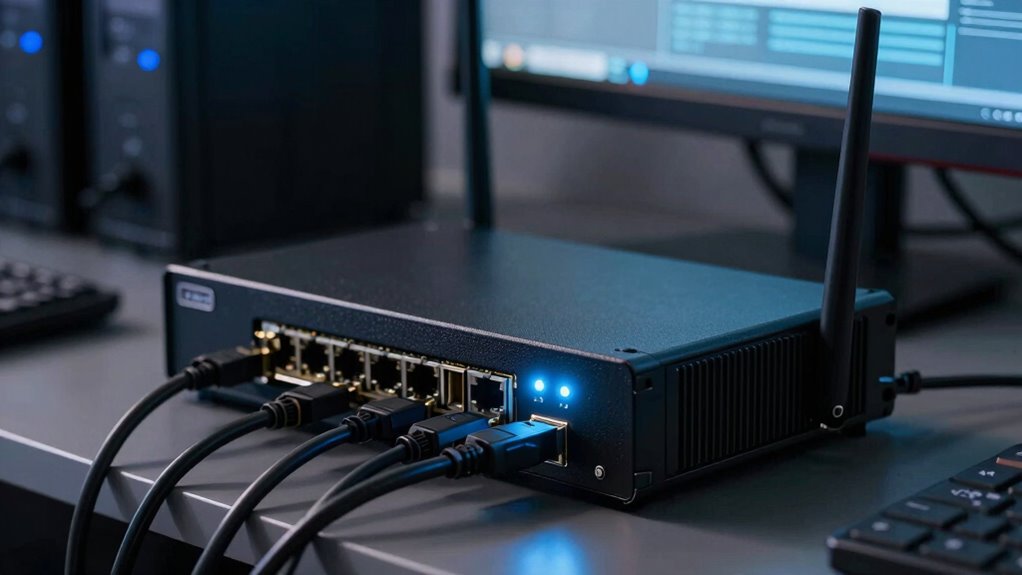
A backup power setup for your internet, routers, and workstations typically includes a UPS (Uninterruptible Power Supply) that provides immediate backup during outages. It keeps your devices running smoothly, prevents data loss, and allows you to finish tasks safely. The UPS automatically switches to stored energy when power drops, giving you time to save work and shut down properly. To learn how to choose the right system and protect your equipment, keep exploring the options available.
Key Takeaways
- Uninterruptible Power Supplies (UPS) provide immediate backup power to keep internet, routers, and workstations running during outages.
- Backup systems automatically switch to stored energy, allowing users to save work and shut down equipment safely.
- Power quality features like surge protection and voltage regulation safeguard devices from electrical fluctuations.
- Regular maintenance and testing ensure backup systems remain reliable and effective over time.
- Proper protocols and backup solutions minimize downtime, data loss, and equipment damage during power disruptions.
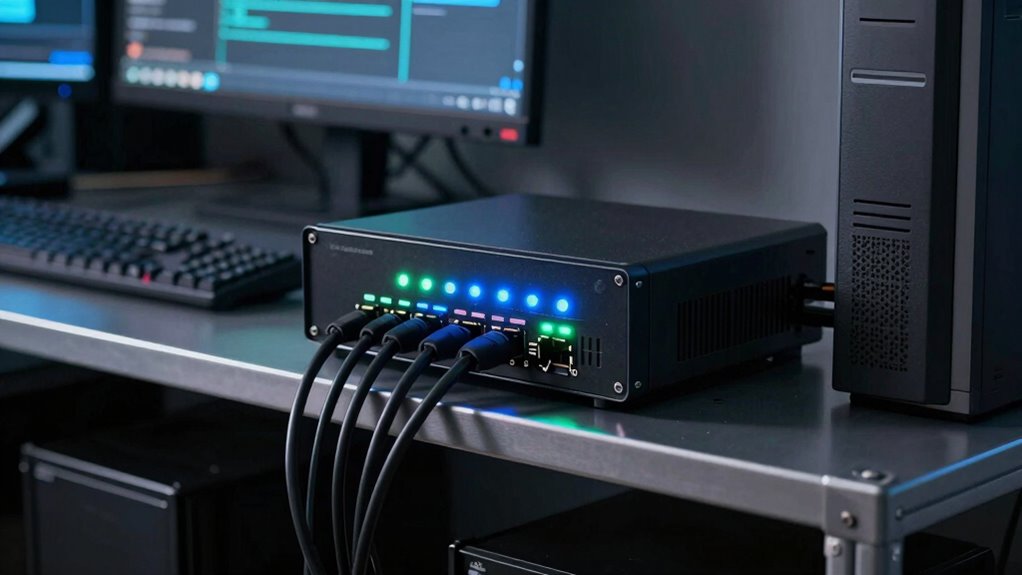
In today’s connected world, reliable power is essential for maintaining internet access and keeping your workstations operational. Power outage protocols become your first line of defense when the electricity cuts unexpectedly. These protocols involve having a clear plan in place that guides you on what steps to take during an outage. They typically include procedures for safely shutting down equipment to prevent data loss or damage, and for quickly restarting systems once power is restored. Implementing these protocols helps minimize downtime and keeps your workflow smooth, even when the power grid fails.
Having a clear power outage plan minimizes downtime and safeguards your workflow during unexpected electricity disruptions.
Battery backup systems, or uninterruptible power supplies (UPS), are crucial components of any reliable backup power setup. They serve as a bridge during power outages, providing immediate backup power to keep your internet, routers, and workstations running without interruption. When the main power supply fails, the UPS seamlessly switches to its stored energy, allowing you to save your work, close applications properly, and avoid corrupting files. The size and capacity of your battery backup system depend on your needs; for instance, a small office might require a UPS capable of supporting a few critical devices for 15 to 30 minutes, while larger setups may need systems that sustain operations for hours.
Having a battery backup system also means you don’t have to worry about abrupt shutdowns that could damage hardware or corrupt data. It gives you enough time to execute your power outage protocols effectively, ensuring a safe and controlled shutdown of equipment if necessary. Additionally, power quality considerations such as voltage regulation and surge protection are important to prevent damage from electrical fluctuations and surges that often accompany outages. Many battery backup systems come with features like automatic voltage regulation and surge protection, which guard your devices against power fluctuations and electrical surges that often accompany outages. This added layer of protection extends the longevity of your equipment and maintains stability during unexpected power events. Moreover, using power quality features can help reduce the risk of equipment failures caused by inconsistent electrical supply. Properly designed backup power systems can also incorporate natural disaster preparedness strategies to ensure continued operation during severe weather events.
Regular testing and maintenance of your backup power solutions are vital because batteries degrade over time, reducing their effectiveness, so routine checks help ensure your system will perform when needed. It’s also beneficial to document and review your power outage protocols periodically, ensuring that all team members understand their roles and responsibilities during an outage. Combining well-designed power outage protocols with reliable battery backup systems creates a resilient setup that keeps your internet connection steady, your routers online, and your workstations secure, no matter what the power grid throws at you. Staying prepared with these tools means fewer surprises and less disruption, allowing you to focus on what matters most—your work.

APC UPS 600VA/330W UPS Battery Backup for Computer, Router, NAS, BE600M1
KEEP YOUR COMPUTER, WI-FI AND ROUTER RUNNING THROUGH POWER OUTAGES: Supplies short-term battery power during outages to maintain…
As an affiliate, we earn on qualifying purchases.
As an affiliate, we earn on qualifying purchases.
Frequently Asked Questions
How Long Should Backup Power Last During an Outage?
You should aim for backup power to last at least 30 minutes to an hour during an outage. This allows you to save work and shut down devices safely. Focus on battery capacity and runtime optimization by choosing a UPS that matches your equipment’s power needs. Regular testing helps guarantee your backup power functions properly when you need it most, giving you peace of mind during unexpected outages.
What Is the Cost Difference Between UPS and Generator Backup?
The cost difference between UPS and generator backup depends on your needs. UPS units usually have lower upfront costs but require battery replacements over time, affecting overall expenses. Generators involve higher initial investment, mainly due to fuel efficiency and maintenance costs, but they can run longer without battery replacements. Consider your power duration needs and budget to choose the most cost-effective option for reliable backup during outages.
Can Backup Power Systems Protect Against Power Surges?
Backup power systems are like shields, but they don’t automatically guard against power surges. Surge protection is essential to defend your equipment from sudden voltage spikes, guaranteeing power stability. While UPS and generators keep your devices running, adding surge protectors prevents damage caused by unexpected surges. Combining both ensures you’re covered, maintaining consistent power and protecting your investment from unpredictable electrical events.
How Often Should Backup Power Systems Be Maintained?
You should maintain your backup power systems regularly, ideally following the manufacturer’s maintenance schedule. Check battery longevity and perform tests at least every 6 to 12 months to guarantee reliable performance. Regular maintenance, such as inspecting connections and replacing batteries when needed, helps prevent unexpected failures. Staying consistent with maintenance schedules guarantees your backup power remains ready to protect your internet, routers, and workstations during outages.
Are There Portable Backup Power Options for Remote Work?
Think of portable backup power options as your personal energy lifeboat. They provide reliable power on the go, ensuring your remote work stays afloat during outages. These portable solutions offer you remote flexibility, letting you work from any location without interruption. Compact, easy to carry, and quick to set up, they’re perfect for maintaining productivity and connectivity, no matter where your work takes you.
APC UPS 600VA/330W UPS Battery Backup for Computer, Router, NAS, BE600M1
KEEP YOUR COMPUTER, WI-FI AND ROUTER RUNNING THROUGH POWER OUTAGES: Supplies short-term battery power during outages to maintain…
As an affiliate, we earn on qualifying purchases.
As an affiliate, we earn on qualifying purchases.
Conclusion
Having backup power guarantees your internet, routers, and workstations stay online during outages. Did you know that over 80% of businesses experience interruptions due to power failures? With a reliable backup system, you can keep working smoothly and avoid costly downtime. Investing in a backup power solution isn’t just smart—it’s essential for maintaining productivity and peace of mind. Stay prepared, stay connected, and keep your work uninterrupted, no matter what.

CyberPower AVRG900LCD Intelligent LCD UPS Battery Backup and Surge Protector, 900VA/480W, 12 Outlets, AVR, Compact, UL Certified
900VA/480W Intelligent LCD Uninterruptible Power Supply (UPS): Uses simulated sine wave technology to provide battery backup power to…
As an affiliate, we earn on qualifying purchases.
As an affiliate, we earn on qualifying purchases.

APC UPS 1500VA/900W Pro UPS Battery Backup for Office Electronics, BX1500M
1500VA / 900W RELIABLE BACKUP POWER: The highest VA capacity available for home use; delivers short-term battery power…
As an affiliate, we earn on qualifying purchases.
As an affiliate, we earn on qualifying purchases.