
TL;DR

Get backup power and energy gear delivered free with Prime
- Fast, free delivery on millions of items
- Prime Video, Amazon Music and more included
- Member-only deals all year
Apple Home can show live power use and historical energy data for compatible Matter accessories, according to a Matter Alpha setup guide. The feature requires an energy-monitoring device; Grid Forecast and utility-account data have separate availability and setup limits.
Apple Home users can view live power use and historical energy data from compatible Matter accessories, according to a setup guide published by Matter Alpha. The report explains where the readings appear in the Home app and how to turn on related features, including Grid Forecast, while noting that energy monitoring requires supported hardware.
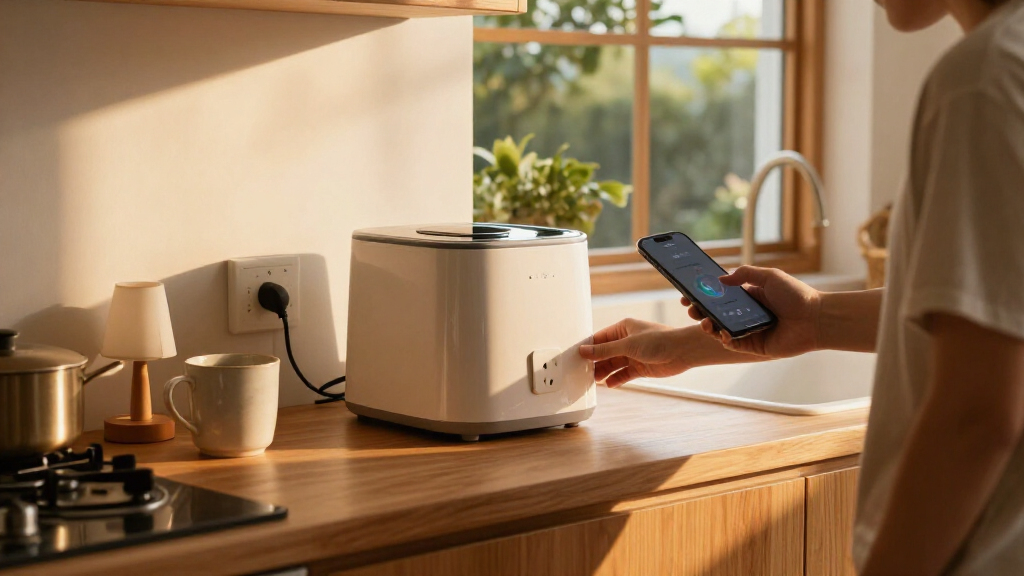
To check live readings, add an energy-monitoring-capable Matter device to Apple Home, open the Home app, tap Energy or Grid Forecast, then choose Power. The Power screen lists compatible accessories; when one is drawing power, its current consumption appears beneath its name. The Energy screen also displays a live total for the listed devices.
For historical data, open the Energy or Grid Forecast view, wait for Usages to appear below the Grid Forecast timeline, and tap it. Select a device from the drop-down menu to see a chart of energy totals and averages by day, week, month, six months or year. Matter Alpha says users can also select Cleaner or Less Clean to compare device use with cleaner or less-clean grid periods for their location.
The guide names the Inovelli White Series Smart Dimmer Switch, Aqara Thermostat Hub W200 and Eve Energy In-Wall Outlet as devices it has seen working with Apple Home’s energy features. Compatibility is specific to the accessory and its energy-monitoring capability; merely connecting a Matter device does not guarantee that it will provide readings.
Energy Data Inside Apple Home
Putting device-level readings in the same app used to control smart-home accessories can help users identify which compatible devices draw power and when. Live wattage shows current draw, while the historical charts let users review patterns across longer periods. Those views may help households decide where to investigate energy use, but the guide does not establish that monitoring itself reduces electricity bills.
Apple’s separate Grid Forecast feature is intended to show cleaner and less-clean periods for local electricity supply. Shifting flexible use to cleaner periods may reduce associated emissions, and could lower costs for customers whose utility plans charge different rates by time of use. Any savings depend on the household’s tariff and usage; the feature does not itself change when devices operate.
Products Worth Considering

Philips Hue White and Color Ambiance A19 Smart Bulb Starter Kit, 2-Pack

Bose Smart Ultra Dolby Atmos Soundbar

Samsung QN65LS03FAFXZA 65 The Frame QLED 4K Art Mode Vision AI Smart TV (2025)
As an affiliate, we earn on qualifying purchases.
Three Ways to View Home Energy
The guide describes three distinct energy views in Apple Home. Compatible accessories can provide real-time power and device-level history. Grid Forecast displays a location-based timeline indicating periods when electricity is expected to be cleaner or less clean. A utility connection, where supported, can provide broader household consumption data that includes devices not connected to Apple Home.
According to Matter Alpha, Grid Forecast is available to homes in the contiguous United States, excluding Alaska and Hawaii. It requires Location Services to be enabled for both the Home app and Home Service in the relevant Apple device settings. To display the forecast, users open Home Settings, select Energy and switch on Show Grid Forecast. Notifications can be requested from the forecast using the bell icon and Notify Me option; the guide also says a Grid Forecast widget is available for iOS and macOS.
Utility-account linking is more restricted. The guide identifies Pacific Gas and Electric and Southern California Edison as the supported providers in the United States. Eligible users can open Home Settings, select Energy, tap Connect Account and follow the prompts to enter their utility credentials. The source says linked accounts can show total home consumption, rather than readings only from smart accessories.
““When a device is actively drawing power, real-time energy consumption data will appear underneath its name.””
— Matter Alpha
Compatibility and Coverage Limits
The source does not provide a complete list of Matter accessories supported by Apple Home’s energy views, nor does it specify whether every device’s data is reported at the same frequency or with the same level of detail. Users should check the accessory’s specifications and Apple’s current compatibility information before buying hardware for this purpose.
Availability may also change by location and provider. The guide gives a limited set of U.S. utility providers and says Grid Forecast is restricted geographically, but it does not document coverage in other countries or confirm whether additional utilities have since been added. Its references to Apple software versions and menus may also become outdated as the Home app changes. The article’s description of potential cost or emissions benefits is not a guarantee of savings.
Check Your App and Provider
Users interested in monitoring can first confirm that their Matter accessory supports energy reporting, then open the Home app’s Energy view to see whether it appears under Power or Usages. If Grid Forecast is missing, check the Home app and Home Service Location Services permissions, then review the Energy setting in Home Settings. Utility customers can check whether their provider is supported before attempting to link an account.
Apple and Matter Alpha have not, in the source material, announced a broader rollout of utility integrations or a complete device compatibility list. Availability and menu labels should be checked against the current version of Apple Home and the user’s region.
Key Questions
Can Apple Home show energy use for every Matter device?
No. The Matter Alpha guide says live and historical device readings require a Matter accessory with energy-monitoring capabilities. A Matter connection alone does not mean a device will report energy use.
Where do I find live power readings?
Open the Home app, tap Energy or Grid Forecast, then tap Power. Compatible devices appear in a list, with current consumption shown beneath a device name when it is drawing power.
How can I see past energy use?
From the Energy or Grid Forecast view, wait for Usages to appear and tap it. Choose a device from the drop-down menu to view charts covering day, week, month, six months or year.
Where is Apple Home Grid Forecast available?
Matter Alpha says Grid Forecast is available to homes in the contiguous United States, but not Alaska or Hawaii. It also requires Location Services for the Home app and Home Service.
Can Apple Home show energy use for my entire house?
The guide says users can link an eligible utility account for total household consumption, including use from devices that are not smart accessories. It names Pacific Gas and Electric and Southern California Edison as supported providers; availability may be limited to their customers.
Source: matteralpha.com